 condoo.Vibe
Production vs Development
Understand development, preview, and production in condoo.Vibe. Test authentication, payments, and connectors safely before customers see changes.
When building with condoo.Vibe, you'll work with your application in different stages.
While you're creating, modifying, and testing your project, you're working on the application before those changes are made available to your users.
Once you publish the project, users access the production version of your application.
Understanding this distinction becomes increasingly important as your application gains real users, customer data, payments, and integrations.
Build and test your changes first. Publish them when they're ready for your users.
What Is Development?
Development is where you're actively building and improving your application.
You might ask condoo.Vibe to:
- Add a feature
- Redesign a page
- Fix an issue
- Modify a workflow
- Connect an integration
- Change application logic
- Improve the user experience
During this process, you can review your changes before deciding whether they're ready to go live.
Think of development as your working environment.
YOUR IDEA
    ↓
condoo.Vibe
    ↓
BUILD
    ↓
PREVIEW
    ↓
TEST
You're still shaping the product.
What Is Production?
Production is the version of your application being used by real users.
For example, if you've published:
app.yourcompany.com
and your customers are signing in and using it, that's your production application.
Production may contain real:
- Users
- Customer accounts
- Payments
- Orders
- Projects
- Bookings
- Messages
- Files
- Business data
Changes to a production application should therefore be treated more carefully than changes to an early prototype.
Preview vs Live
One of the easiest ways to understand the difference is:
Preview
What you're currently reviewing while building.
Live
What your users access after you've published.
condoo.Vibe
  ↓
BUILD
  ↓
PREVIEW
  ↓
Are You Happy?
  ↓
PUBLISH
  ↓
LIVE APPLICATION
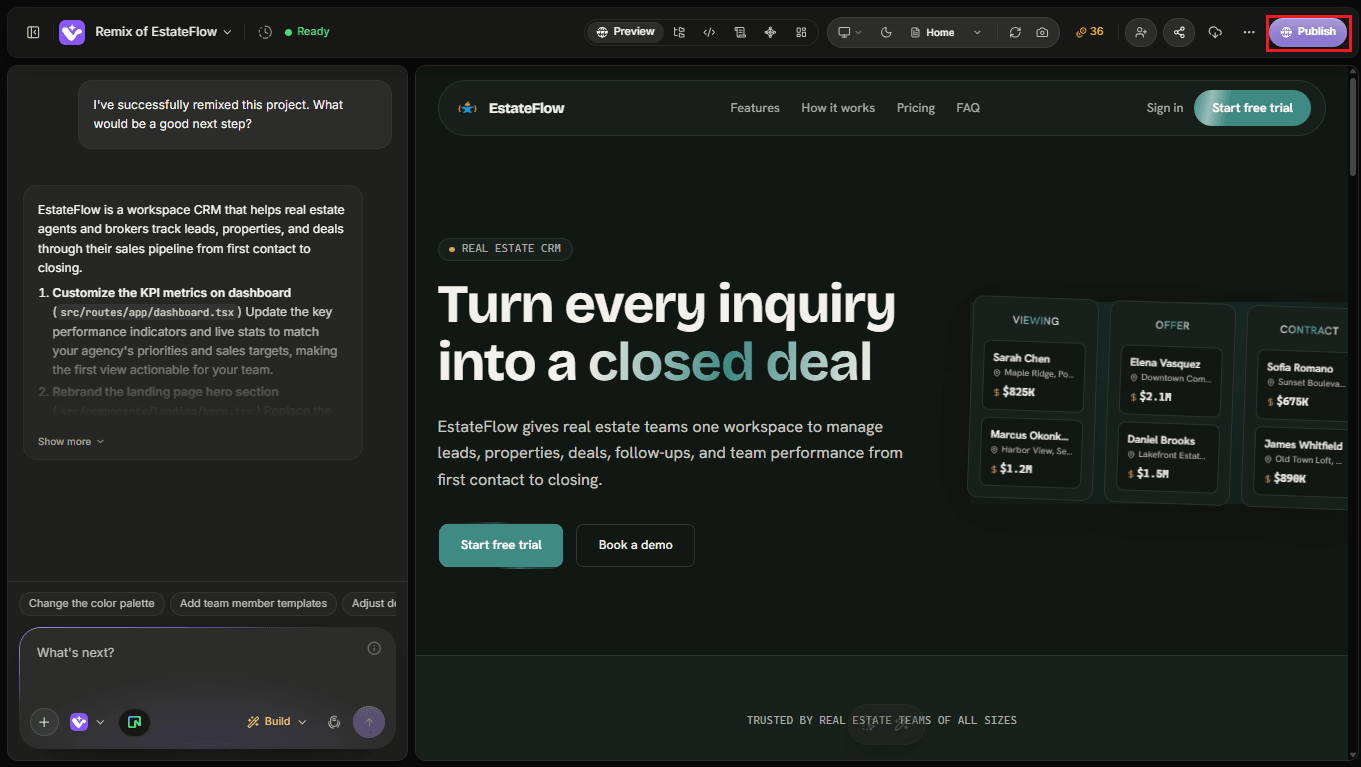
This gives you an opportunity to inspect your work before making it available to users.
Your Live Application Doesn't Stop You From Building
Once you've published a project, you can continue improving it.
Suppose Version 1 contains:
- Landing Page
- Authentication
- Dashboard
- Projects
Your customers begin using it.
You can then return to condoo.Vibe and say:
Add team collaboration so workspace owners can invite other users to their projects.
You can build and review the new functionality before publishing the update.
Conceptually:
CURRENT LIVE VERSION
         ↓
Continue Building
         ↓
New Changes
         ↓
Preview
         ↓
Test
         ↓
Publish
         ↓
UPDATED LIVE VERSION
Your product can continue evolving after launch.
Don't Use Real Users as Your Test Environment
Once customers are using your application, avoid publishing major changes without testing them first.
For example, imagine you change:
How subscription permissions are calculated.
If you immediately publish without testing, you could accidentally prevent paying customers from accessing their accounts.
Instead:
CHANGE
  ↓
PREVIEW
  ↓
TEST
  ↓
VERIFY
  ↓
PUBLISH
This becomes increasingly important as your application grows.
Test the Complete Workflow
Don't only test the page you changed.
Think about what the change affects.
Suppose you modify your signup experience.
Don't stop after confirming that the signup page looks correct.
Test:
Signup
  ↓
Account Created
  ↓
Authentication
  ↓
Onboarding
  ↓
Dashboard
A change at the beginning of a workflow can affect everything that comes afterward.
Test Data vs Real Data
During development, you may create sample information to test your application.
For example:
Customer:
John Test

Company:
Acme Demo

Order:
#TEST-001
That's useful while developing.
But your production application may contain actual customer information.
Before launching, remove unnecessary placeholder or demo content that shouldn't appear to real users.
Development Data and Production Data
The distinction between your application version and its data is important.
Your project may evolve through different versions while the database contains persistent information such as:
- Users
- Customers
- Orders
- Projects
- Bookings
- Subscriptions
Don't assume that changing or restoring an application version automatically resets its database data.
As covered in Version History & Automatic Restore, application recovery and database recovery are separate concepts.
Test Authentication Carefully
Authentication is one of the most important areas to test before publishing changes.
If you modify:
- Signup
- Login
- Password handling
- Google authentication
- Protected pages
- User roles
- Permissions
test the entire authentication experience.
For example:
New User
   ↓
Sign Up
   ↓
Account Created
   ↓
Login
   ↓
Correct Dashboard
Then test an existing user.
Existing User
     ↓
Login
     ↓
Existing Data Available
Don't only test with your administrator account.
Test User Roles
If your application supports different roles, test each one.
For example:
- Owner
- Admin
- Member
- Customer
A feature working correctly for an Owner doesn't necessarily mean it works correctly for a Customer.
Check that each user:
- Sees the correct pages
- Has the correct permissions
- Can perform allowed actions
- Cannot perform restricted actions
- Can only access appropriate data
Test Payments Before Going Live
Payment workflows deserve extra attention.
If you're using Stripe, your development workflow should include testing before processing real transactions.
For example:
Choose Plan
    ↓
Checkout
    ↓
Payment
    ↓
Subscription Created
    ↓
Correct Access Granted
Don't only test whether the checkout page opens.
Verify what happens after payment.
Does the application:
- Recognize the payment?
- Update the customer?
- Activate the correct plan?
- Unlock the correct features?
- Handle failed payments?
- Handle cancellations?
Test External Connectors
If your application uses connectors, test them as part of your production checklist.
For example:
Resend
Does the email actually arrive?
Twilio
Does the intended message get sent?
Cloudinary
Do uploaded images appear correctly?
Stripe
Does payment update the application correctly?
Google Calendar
Is the correct event created?
Google Meet
Is the meeting link available where expected?
A successful application build doesn't guarantee every external service behaves as intended.
Protect Secrets
Never place sensitive credentials directly into publicly accessible application code or interfaces.
This includes:
- API keys
- Secret keys
- Database credentials
- Access tokens
- Passwords
- Private service credentials
Use condoo.Vibe's appropriate connector or secure configuration mechanism when credentials are required.
Development Credentials vs Production Credentials
Some services provide separate testing and production environments.
Payments are a common example.
You might use:
Development
→ Stripe Test Mode
and later:
Production
→ Stripe Live Mode
Don't accidentally launch a production application with test configuration when real transactions are expected.
Likewise, don't accidentally perform development testing against live systems when that could trigger real charges, messages, emails, or customer actions.
Be Careful With Destructive Actions
Some application actions are difficult or impossible to undo.
Examples include:
- Deleting customer records
- Cancelling subscriptions
- Removing files
- Deleting projects
- Changing permissions
- Sending bulk communications
Test these workflows carefully.
For important destructive actions, consider confirmation interfaces such as:
Delete Project?

This action cannot be undone.

[Cancel] [Delete Project]
You can ask condoo.Vibe:
Add a confirmation step before permanently deleting a project. Make it clear that the action cannot be undone.
Development Emails and Messages
Be careful when testing applications that send communication.
For example, if your database contains 5,000 real customers, you don't want a development test to accidentally trigger:
5,000 emails
or:
5,000 SMS messages
When developing messaging workflows, use controlled test recipients where appropriate.
Then verify the automation before allowing it to operate against real customer data.
Making a Small Production Change
Suppose your application is live and you want to change:
Change the homepage headline from "Build Faster" to "Build Your Next Product With AI."
This is relatively low risk.
Your workflow might simply be:
Change
 ↓
Preview
 ↓
Check
 ↓
Publish
Making a Major Production Change
Now imagine:
Replace the current authentication system, redesign onboarding, and change how user permissions work.
That's significantly more consequential.
Use:
EXPLORE
   ↓
PLAN
   ↓
REVIEW
   ↓
BUILD
   ↓
TEST
   ↓
TEST DIFFERENT USERS
   ↓
PUBLISH
   ↓
VERIFY PRODUCTION
The size of your testing process should match the risk of the change.
Use Plan Mode for Production Changes
Plan Mode becomes especially valuable once your application is live.
Instead of:
Change our subscription system.
Try:
Analyze the existing subscription system and create a plan for adding annual billing without disrupting existing monthly subscribers. Don't make any changes yet.
You can review the approach before condoo.Vibe modifies the application.
This is particularly useful for:
- Payments
- Authentication
- Database changes
- Permissions
- Major integrations
- Existing customer workflows
Tell condoo.Vibe What Must Not Change
When modifying an established application, give condoo.Vibe boundaries.
For example:
Add filtering to the customer table. Don't change the existing search, pagination, sorting, customer permissions, or table design.
Or:
Add annual billing to the existing Stripe subscription workflow. Don't modify existing monthly subscriptions or customer access rules.
This helps protect working functionality.
Use Version History as Your Safety Net
If a build starts consistently failing, condoo.Vibe attempts to diagnose and repair it.
As covered on the previous page, if repeated repair attempts aren't successful, condoo.Vibe can automatically restore the project to a previous working version.
The recovery process looks like:
New Change
    ↓
Build Failure
    ↓
condoo.Vibe Attempts Repair
    ↓
Still Failing
    ↓
Additional Iteration
    ↓
Cannot Recover
    ↓
Previous Working Version
This helps prevent a failed build from becoming a dead end.
However, version recovery doesn't replace proper production testing.
After Publishing, Test Again
A feature working in Preview doesn't mean you should skip testing the live application.
After an important deployment:
Publish
   ↓
Open Live URL
   ↓
Test Critical Workflows
   ↓
Everything Working?
 ↙                 ↘
Yes                 No
 ↓                   ↓
Done                Debug
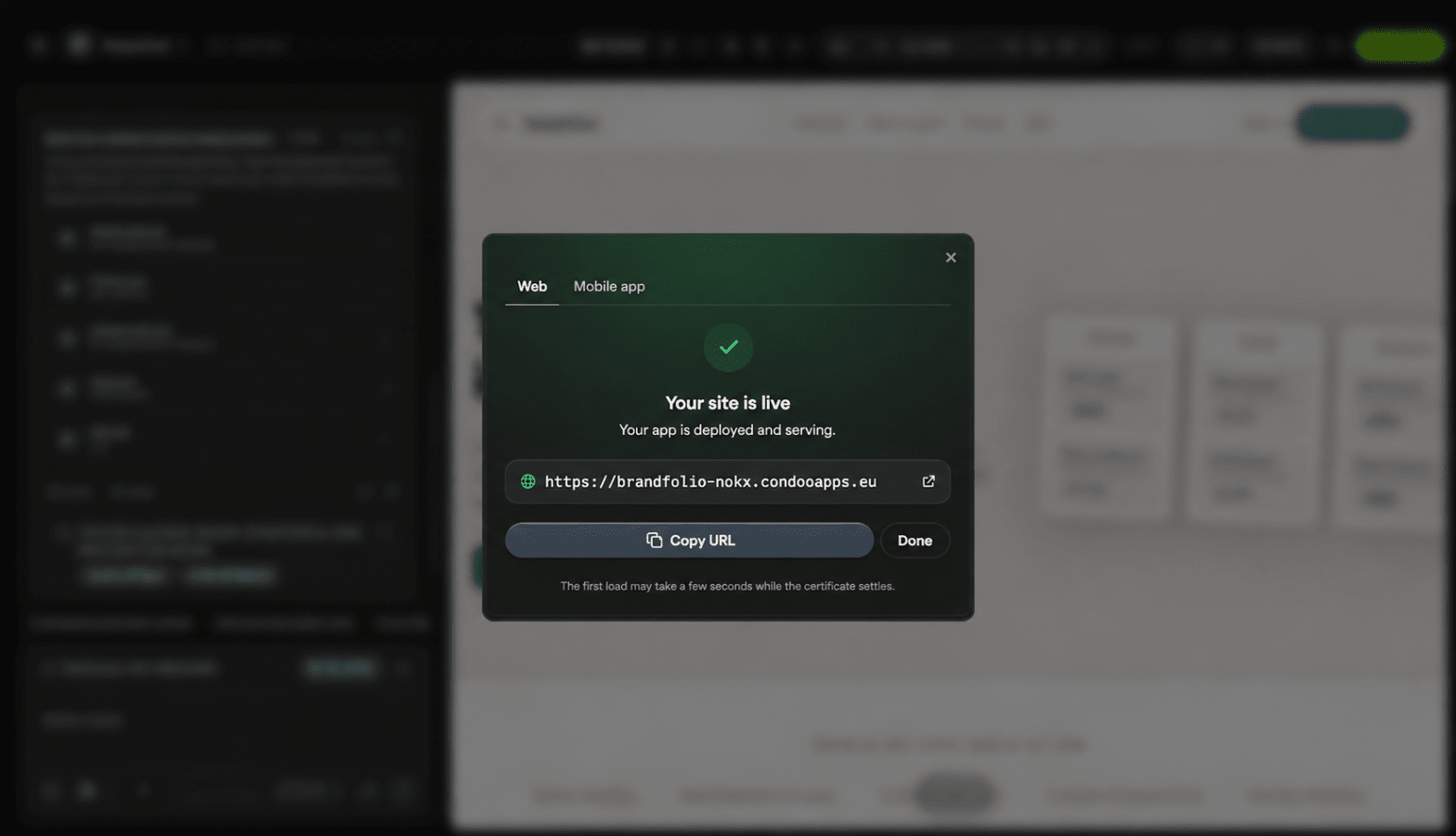
Test the production experience the same way your customers will use it.
Preview Works but Production Doesn't
This is useful information for condoo.Vibe.
Don't simply say:
Login is broken.
Instead:
Login works correctly in Preview, but after publishing, users can't sign in on the live application. The login request returns this error: [ERROR]. Debug the production authentication issue without changing the current login interface.
The distinction helps condoo.Vibe narrow down the problem.
Production Debugging
A strong Debug Mode request might look like:
Expected: Existing customers should be able to sign in and access their dashboard.
Preview: Authentication works correctly.
Production: The login form loads, but submitting valid credentials returns an error.
Recent Change: We updated the onboarding workflow.
Error: [PASTE ERROR]
Debug the production authentication issue without changing unrelated dashboard or onboarding functionality.
Give condoo.Vibe as much context as possible about where the problem occurs.
Production Checklist
Before publishing an important update, check:
- Preview works correctly
- Navigation works
- Mobile layouts work
- Authentication works
- Different user roles work
- Permissions are correct
- Database operations work
- Forms work
- Payments work
- External connectors work
- Error states are handled
- Test content has been removed
- Secrets aren't exposed
- Destructive actions are protected
- Critical customer workflows are tested
After publishing:
- Open the live application
- Test the critical workflows again
- Confirm the latest version is live
Think in Environments
A useful mental model is:
BUILD
  ↓
DEVELOPMENT
  ↓
PREVIEW
  ↓
TEST
  ↓
PUBLISH
  ↓
PRODUCTION
  ↓
REAL USERS
  ↓
LEARN
  ↓
BUILD AGAIN
Production isn't the end of the condoo.Vibe workflow.
It's where your application meets real users.
Their feedback gives you new ideas, and you return to condoo.Vibe to continue evolving the product.
Section 5 Complete
You've now covered Publishing & Domains:
- Publishing to a Live URL
- One-Click Deployment
- Custom Domains
- Version History & Automatic Restore
- Production vs Development
At this point, you understand how to go from:
condoo.Vibe PROJECT
     ↓
BUILD
     ↓
TEST
     ↓
PUBLISH
     ↓
DEPLOY
     ↓
CUSTOM DOMAIN
     ↓
PRODUCTION
Next: Mobile Export
The next section in the sitemap is Section 6, Mobile Export:
- Overview
- Mobile readiness scan
- Export for Android (APK) [Agency]
- Submitting to the Play Store [Agency]
- Export for iOS [Agency]
- Submitting to the App Store
The next page we'll write is Mobile Export: Overview.