 condoo.Vibe
Version History & Automatic Restore
condoo.Vibe tracks project versions and can automatically restore a working version when repeated build repairs fail during development.
Building software is iterative.
As you add features, change designs, connect services, and evolve your application, occasionally a new build may introduce a problem.
condoo.Vibe is designed to help recover from these situations automatically.
When a build fails, condoo.Vibe first attempts to understand and fix the problem. If the build continues failing after multiple repair attempts and condoo.Vibe determines that continuing isn't producing a working result, it can automatically restore the project to a previous working version.
condoo.Vibe doesn't just help you build. It also helps protect your project when a build goes wrong.
How condoo.Vibe Handles Failed Builds
When condoo.Vibe encounters a problem while building your application, restoring the project isn't the first action.
condoo.Vibe first attempts to fix the issue.
The recovery process looks like this:
BUILD
  ↓
Something Fails
  ↓
condoo.Vibe Diagnoses the Problem
  ↓
Attempts a Fix
  ↓
Tests Again
  ↓
Still Failing?
 ↙          ↘
No           Yes
↓             ↓
Continue    Iterate & Repair
              ↓
        Still Can't Resolve?
              ↓
      Restore Working Version
This gives condoo.Vibe an opportunity to repair the current build before falling back to an earlier state.
condoo.Vibe Tries to Fix the Problem First
Many development problems can be fixed without abandoning the current build.
For example, condoo.Vibe may encounter an issue after:
- Adding a new feature
- Changing application logic
- Updating a component
- Connecting an integration
- Modifying a workflow
- Restructuring part of the application
condoo.Vibe can analyze the failure and attempt to correct it.
If the repair succeeds, development continues normally.
You don't need to manually restore the project simply because one build attempt failed.
Automatic Recovery
Sometimes a build continues failing despite repeated attempts to fix it.
Instead of allowing condoo.Vibe to continue indefinitely with a broken state, condoo.Vibe can fall back to a previous working version.
Conceptually:
Working Version
      ↓
New Change
      ↓
Build Fails
      ↓
condoo.Vibe Attempts Repair
      ↓
Repair Fails
      ↓
condoo.Vibe Tries Again
      ↓
Still Failing
      ↓
Automatic Restore
      ↓
Previous Working Version
This provides a recovery mechanism when the current implementation can't be repaired successfully.
Why Automatic Restore Matters
Imagine you have a working CRM.
It includes:
- Dashboard
- Contacts
- Leads
- Deals
- Tasks
- Authentication
- Database
You ask condoo.Vibe:
Add an advanced reporting dashboard with revenue forecasting and pipeline analytics.
During implementation, something goes wrong and the project stops building correctly.
condoo.Vibe attempts to diagnose and repair the problem.
If those attempts continue failing, condoo.Vibe can restore the project to the previous working state rather than leaving you with a consistently broken build.
Your working CRM becomes the recovery point.
Your Project Evolves Through Versions
As you build, your application moves through different states.
For example:
Version 1
Landing Page

    ↓

Version 2
Authentication

    ↓

Version 3
Dashboard

    ↓

Version 4
CRM

    ↓

Version 5
Payments

    ↓

Version 6
New Feature
These previous states make it possible to recover when a later change introduces a problem that can't be resolved.
Version History
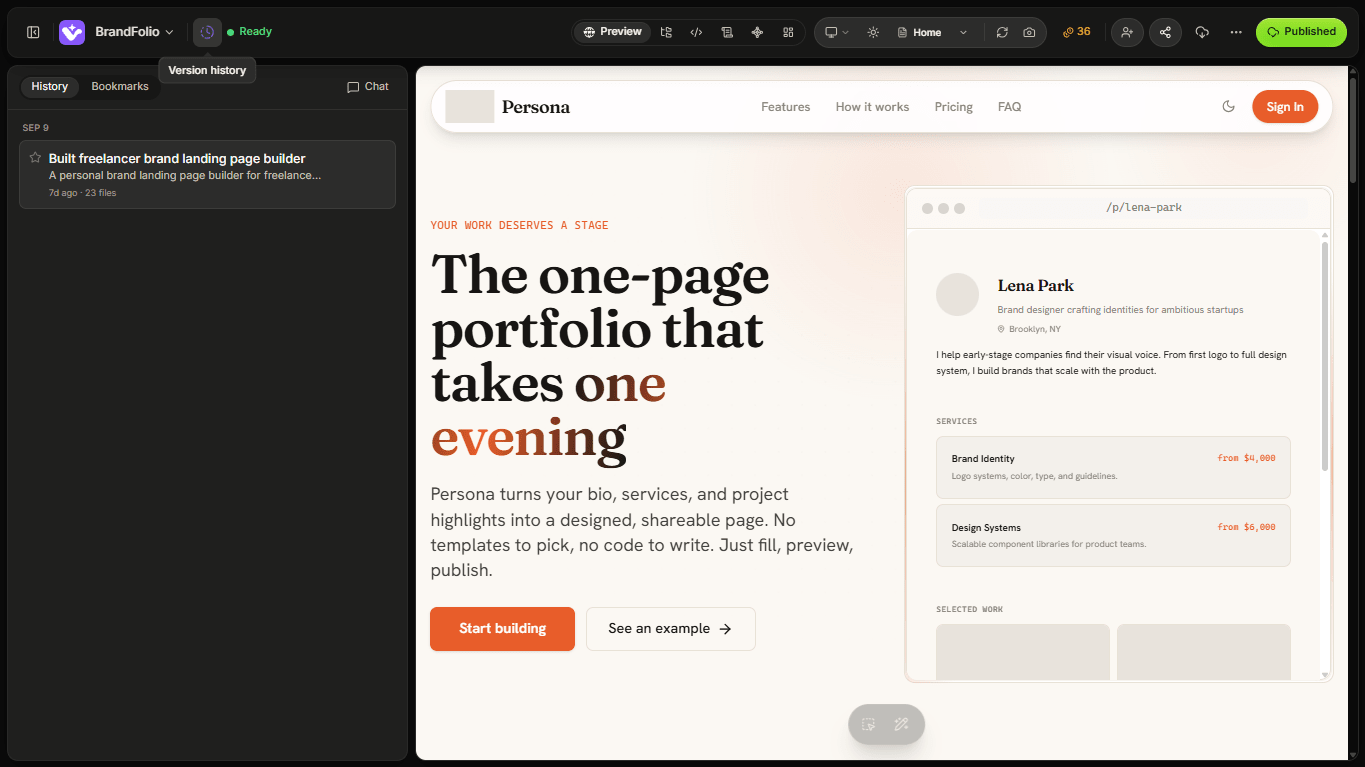
condoo.Vibe's version history gives your project continuity as it evolves.
You can use version history to understand how your application has changed over time and access previous project states where available.
This becomes especially valuable when you're making significant changes to an existing application.
Automatic Restore vs Manual Restore
There are two different reasons you might return to an earlier version.
Automatic Restore
condoo.Vibe may restore a previous working version when the current build repeatedly fails and repair attempts aren't resolving the problem.
Build Failure
     ↓
Automatic Diagnosis
     ↓
Repair Attempts
     ↓
Still Failing
     ↓
Automatic Restore
This is a recovery mechanism.
Manual Restore
You may also want to return to an earlier version yourself.
For example, perhaps the new version works technically, but you simply preferred the previous design.
Working Version
     ↓
Major Redesign
     ↓
You Don't Like It
     ↓
Version History
     ↓
Restore Previous Version
This is a product decision rather than failure recovery.
When condoo.Vibe Automatically Restores
Automatic restoration is useful when the current build becomes consistently unsuccessful.
For example:
Attempt 1
Build Fails
    ↓
condoo.Vibe Fixes
    ↓
Attempt 2
Still Fails
    ↓
condoo.Vibe Investigates Again
    ↓
Attempt 3
Still Can't Produce Working Build
    ↓
Restore Previous Working Version
The purpose isn't to abandon a change at the first sign of trouble.
The purpose is to prevent repeated unsuccessful iterations from leaving your project in an unusable state.
What Happens After an Automatic Restore?
When condoo.Vibe restores the project, you're returned to a previous working state.
From there, you can continue building.
You might approach the feature differently.
For example, your original request was:
Completely rebuild the CRM dashboard, reporting system, navigation, filters, and analytics experience.
After restoration, you might break the work into smaller steps:
First, add the revenue analytics cards to the existing dashboard. Keep everything else unchanged.
Then review the result before moving on.
This can make complex changes easier to implement safely.
Failed Build Doesn't Mean Lost Project
This is one of the important reasons condoo.Vibe maintains project versions.
A failed iteration shouldn't automatically mean starting over.
Think of your project as a sequence of working states:
WORKING
   ↓
WORKING
   ↓
WORKING
   ↓
FAILED CHANGE
   ↓
REPAIR ATTEMPTS
   ↓
RECOVERY
   ↓
WORKING
condoo.Vibe can use that history to recover when necessary.
You Can Still Use Debug Mode
Automatic recovery doesn't replace Debug Mode.
If your application builds successfully but a particular feature isn't behaving correctly, Debug Mode is often the better choice.
For example:
The new search feature works, but pagination stopped working after the change. Fix pagination without removing search or changing the table design.
The project itself isn't failing to build.
There's simply a functional issue.
In that situation:
Application Builds
       ↓
Feature Has Problem
       ↓
Debug
       ↓
Fix Specific Issue
There's no reason to discard the entire iteration.
Build Failure vs Functional Bug
Understanding the difference is useful.
Build failure
The application can't successfully complete the build process.
condoo.Vibe may need to:
Diagnose
   ↓
Repair
   ↓
Retry
   ↓
Recover if necessary
Functional bug
The application builds, but something doesn't behave correctly.
For example:
- Login works
- Dashboard works
- CRM works
- Search works
- Pagination broken
Use Debug Mode to repair the specific problem.
Automatic Restore Is the Last Resort
condoo.Vibe doesn't need to revert every time something goes wrong.
The preferred sequence is:
- Detect
- Understand
- Fix
- Retry
- Validate
- Restore if recovery isn't succeeding
Restoration provides a safety net when repeated attempts to repair the current build aren't producing a working result.
Example: Adding Payments
Imagine your SaaS application is working correctly.
You tell condoo.Vibe:
Add subscription billing with three plans and restrict features based on the user's subscription.
condoo.Vibe begins implementing the feature.
If the resulting build fails, condoo.Vibe first attempts to repair it.
Working SaaS
    ↓
Add Billing
    ↓
Build Failure
    ↓
Diagnose
    ↓
Repair
    ↓
Retry
If the issue is fixed:
Billing Added
    ↓
Continue Building
If repeated attempts fail:
Repeated Failure
    ↓
Automatic Restore
    ↓
Previous Working SaaS
Your project has a path back to the working state.
Example: Major Redesign
Now consider a different scenario.
You tell condoo.Vibe:
Completely redesign my dashboard.
The redesign builds successfully.
Nothing is technically broken.
You simply don't like it.
condoo.Vibe shouldn't automatically restore the previous version because there hasn't been a build failure.
Instead, you can use version history to return to the design you preferred.
Original Dashboard
       ↓
New Dashboard
       ↓
Build Successful
       ↓
You Prefer Original
       ↓
Version History
       ↓
Manual Restore
Use Plan Mode for Large Changes
Automatic recovery gives you protection, but preventing unnecessary failures is even better.
For significant changes, use Plan Mode before building.
For example:
I want to restructure the entire authentication and onboarding system. Analyze the current implementation and create a plan first. Don't make any changes yet.
Then:
IDEA
 ↓
PLAN
 ↓
REVIEW
 ↓
BUILD
 ↓
VALIDATE
This is particularly useful for changes involving:
- Authentication
- Database architecture
- Payments
- Permissions
- Large redesigns
- Complex integrations
- Major application workflows
Make Complex Changes Incrementally
Instead of:
Redesign the entire CRM, dashboard, billing, navigation, settings, and customer portal.
Consider:
Dashboard
   ↓
Review

CRM
   ↓
Review

Billing
   ↓
Review

Customer Portal
   ↓
Review
Smaller iterations make problems easier to identify and repair.
They also give your project clearer working states as it evolves.
Protect Existing Functionality
When requesting changes, tell condoo.Vibe what must remain untouched.
For example:
Add advanced filtering to the customer table. Keep the existing search, pagination, sorting, customer editing, and table design working exactly as they do now.
This gives condoo.Vibe clearer boundaries.
It's particularly useful when working with mature applications that already contain many interconnected features.
Version History and Published Applications
Version history and publishing are related, but they're not the same thing.
Your project may have:
Project Version
      ↓
Preview
      ↓
Test
      ↓
Publish
      ↓
Live Application
When working on an application already being used by customers, review significant changes before publishing them.
Automatic recovery protects the building process, but you should still test your application before pushing an important update live.
What About My Database?
Project version restoration and database recovery are different concepts.
Your production database may contain:
- Users
- Customers
- Orders
- Payments
- Projects
- Messages
- Bookings
You should not assume that restoring an earlier project version restores your database to an earlier point in time.
This distinction becomes especially important once your application has real users.
What About Connectors?
After a major restore, test any important integrations used by the application.
For example:
- Stripe
- Resend
- Twilio
- Cloudinary
- OpenAI
- Google services
If the restored version predates a workflow that depended on one of these connectors, that functionality may need to be reviewed.
Common Questions
condoo.Vibe keeps failing to build. What should I do?
condoo.Vibe will attempt to diagnose and repair build problems during the development process.
If the current build continues failing and condoo.Vibe can't resolve it after multiple iterations, it can restore the project to a previous working version.
Will condoo.Vibe restore after every failed build?
No.
A failed build may be repairable.
condoo.Vibe first attempts to fix the issue and continue the current build. Automatic restoration is the fallback when repeated repair attempts aren't succeeding.
My application builds, but one feature is broken. Will condoo.Vibe restore it?
A functional problem doesn't necessarily require restoration.
Use Debug Mode and describe the specific issue so condoo.Vibe can attempt to repair it without discarding working changes.
Can I return to an earlier version even if nothing failed?
Yes. Version history can also be useful when you simply want to return to an earlier implementation or design.
Does restoring a version restore my database?
Don't treat project version history as a database backup system.
Application versions and production data recovery are separate concerns.
A Good Recovery Workflow
The overall condoo.Vibe recovery process can be thought of as:
NEW BUILD
    ↓
SUCCESS?
 ↙       ↘
YES       NO
 ↓         ↓
Continue  Diagnose
           ↓
          Fix
           ↓
          Retry
           ↓
       Successful?
        ↙       ↘
      YES        NO
       ↓          ↓
    Continue   Iterate
                  ↓
             Still Failing?
                  ↓
          Automatic Restore
                  ↓
          Working Version
This allows condoo.Vibe to be persistent when problems are fixable without endlessly continuing down a failing path.
Build With a Safety Net
condoo.Vibe is designed for continuous product development.
You can:
BUILD
 ↓
ITERATE
 ↓
EXPERIMENT
 ↓
DEBUG
 ↓
RECOVER
 ↓
KEEP BUILDING
Version history provides the foundation.
condoo.Vibe's automatic recovery process adds another layer by helping return your project to a working state when repeated build repairs aren't successful.
Your application can keep evolving without every failed experiment becoming a dead end.
Next: Production vs Development
Next is the final page of Section 5: Publishing & Domains: Production vs Development.
We'll explain:
- Development vs production
- Preview vs live applications
- Test data vs real customer data
- Testing payments
- Making changes to live applications safely
- Protecting production users
- What to test before publishing